Interview across time zones: check the date and invitation
Compare the proposal and invitation when an interview falls on different local dates. A calculated case and worksheet help clarify the reference time and confirm the appointment.
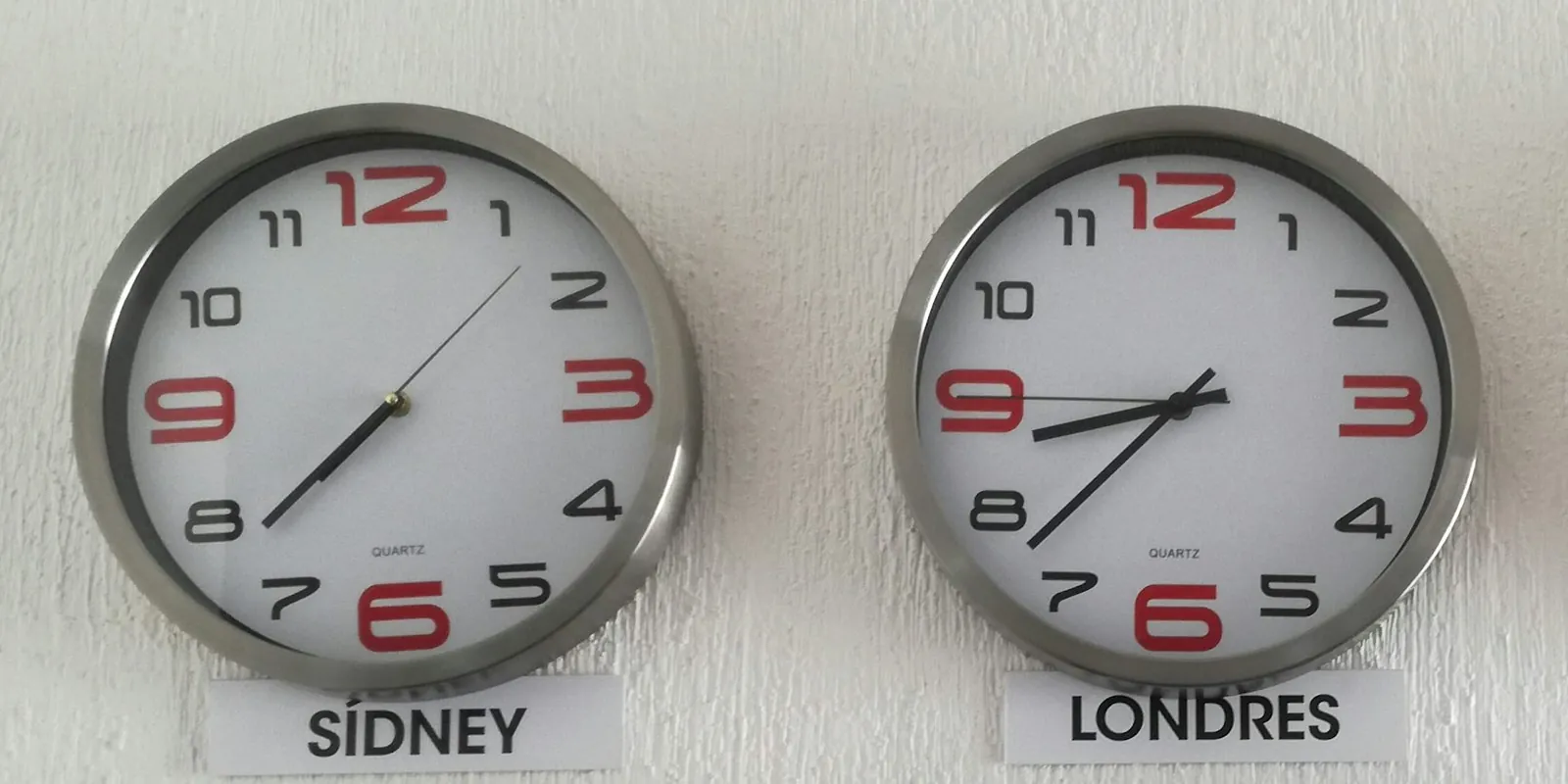
To check a live interview across time zones, identify the full date and originating zone, convert it for where you will participate and compare that instant with the invitation. Check the start, end and date on both sides. Different clock times can represent the same conversation; identical dates and times can represent different moments.
Once the time is settled, use the video interview rehearsal for audio, camera and access. This guide checks scheduling, including interviews falling on different local dates.
Resolve what the proposed time does not tell you
Keep the original message. Before converting, check day, month, year, time and the specified city or zone. “Friday at nine” leaves several questions open. Do not supply the year, city or part of the day solely from the company's address.
This ambiguity worksheet is an original editorial exercise:
| Information received | What still needs checking |
|---|---|
| “Tomorrow at 9” | Full date, morning or evening, and reference zone |
| “9:30 local time” | Whose location and on which date |
| A zone abbreviation without a city | Intended zone or reference city |
| Invitation shows another time | Selected display zone and the instant agreed |
| Interview rescheduled | New date, start, end and updated invitation |
A possible question: “Could you confirm the full date and the city or zone used for that time? I will join from Fortaleza and want to check the equivalent time in the invitation.” This does not confirm availability while ambiguity remains.
Check which zone your calendar displays
Google Calendar describes events appearing in each participant's local time and provides zone settings. The displayed reference needs to match the comparison you are making.
Separate the employer's location from where you will actually be. Your worksheet should identify your participation zone. If you cannot identify the screen's reference, consult the help for your version before comparing dates and times.
Do not subtract hours again from an invitation already displayed in the zone you need. Keep two labeled notes: the originating time and your participation time. They let you check the conversion without silently replacing one with the other.
Fictional example crossing a date boundary
An original FoxApply scenario. The person, vacancy, proposal, duration and messages are fictional; the date and time equivalents were calculated. No real interview or invitation occurred. Inês will join from Fortaleza. After clarification, the CX-28 contact proposes a 45-minute conversation on November 20, 2026 at 09:30 in Pacific/Auckland.
The scenario's worksheet reads:
| Field | Checked example record |
|---|---|
| Originating time | Friday, November 20, 2026, 09:30–10:15; Pacific/Auckland |
| Participation | Thursday, November 19, 2026, 17:30–18:15; America/Fortaleza |
| Offsets on this date | Auckland: UTC+13; Fortaleza: UTC−3 |
| Same interval in UTC | November 19, 2026, 20:30–21:15 |
| Proposed duration | 45 minutes, an already clarified fictional condition |
| Initial status | Equivalent times calculated; invitation still needs comparison |
The zone names identify the reference used in the calculation; you need not memorize codes. In your calendar, find the corresponding locality and check the selected date. The dated conversions were checked on November 18, 2026. That checks a dated calculation, not the intent behind an incomplete message.
Inês must reserve Thursday in her calendar, although the proposal describes Friday in Auckland. Copying only the message's weekday could put her in the conversation a day late.
Compare the invitation and request a correction
Microsoft explains that Outlook stores meeting times in UTC and displays each participant's local time. Displays can differ between people without changing the meeting's instant.
In the fictional continuation, Inês's invitation shows November 20, 17:30–18:15, America/Fortaleza. The clock time matches her note, but the date is one day later. It does not correspond to the clarified proposal.
She could send through the process's channel:
Thank you for the CX-28 invitation. The confirmed proposal for November 20, 2026, 09:30–10:15, Pacific/Auckland, corresponds to November 19, 17:30–18:15, America/Fortaleza, where I will participate. The invitation shows November 20 at that Fortaleza time. Could you confirm the correct date and time and send an updated invitation? I will wait before finalizing my schedule.
In the scenario, the contact confirms the original proposal and sends the update. Inês reopens the details and checks November 19, 17:30–18:15, America/Fortaleza. Only then does she record a confirmed appointment. A reply saying “we will check” would leave the correction pending.
Do not change only a personal copy to hide the difference or assume everyone received an update. If the clarified time is unsuitable, offer genuine alternatives with dates and zones, awaiting agreement. The job search while employed plan helps reserve feasible possibilities.
Recalculate when the date or zone changes
Do not turn one date's offset into a permanent difference. For the same zones, July 20, 2026 at 09:30 in Auckland corresponds to July 19, 2026 at 18:30 in Fortaleza. This is a second illustrative calculation, not another appointment for Inês. The Fortaleza time differs from the November example.
Seasonal rules and zone changes require considering the event date. When rescheduling, repeat the check even if the person keeps “09:30.” Use an updated calendar and clarify discrepancies; an old calculation does not replace the new agreement.
Complete a final check before accepting
Fill in your own details: original message; originating date and zone; participation date and zone; invitation start and end; confirmation or pending issue; next action. Compare the record with current event details without opening the real interview to test equipment.
For the first recruiter conversation, also check its purpose and materials. FoxApply can support comparing your resume with the vacancy to choose relevant experiences. It does not convert times, confirm invitations or reschedule interviews. Sources consulted November 18, 2026.